










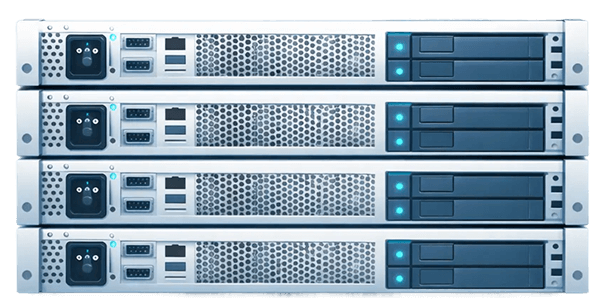














Store, secure and restore your critical data on dedicated infrastructure
Centralize your data on bare-metal servers built for archiving and disaster recovery. Get reliable storage, hardened security and predictable performance to protect your data over the long term.
Take control of your data and your costs
Storing data at scale quickly raises two challenges: cost and control.
With dedicated infrastructure you:
- cut the cost per terabyte significantly
- set your own retention policies
- choose your encryption mechanisms
- control where your data lives
Turn a regulatory constraint into a lever for control and performance.
This approach is particularly suited to production environments such as a dedicated web hosting server, where service continuity and fast recovery are critical.
High performance, controlled cost

Storage optimised for large volumes
Get a competitive cost per terabyte to store your data over the long term. Scale your infrastructure as your volumes grow.

Predictable costs
Essentials are included: bandwidth, anti-DDoS protection, IP addresses and technical support. Keep a clear view of your spend.

A flexible environment
Install whichever OS and backup tools you want. Tune your strategy to your business constraints.

Infrastructure for every project
Centralize multiple environments, applications or backups on the same server. Scale capacity without complicating your architecture.
Chargement du catalogue…
Disaster recovery on bare-metal infrastructure
Put a reliable recovery strategy in place for your critical data.
An effective DR plan rests on two key pillars:
- backup availability
- restore speed
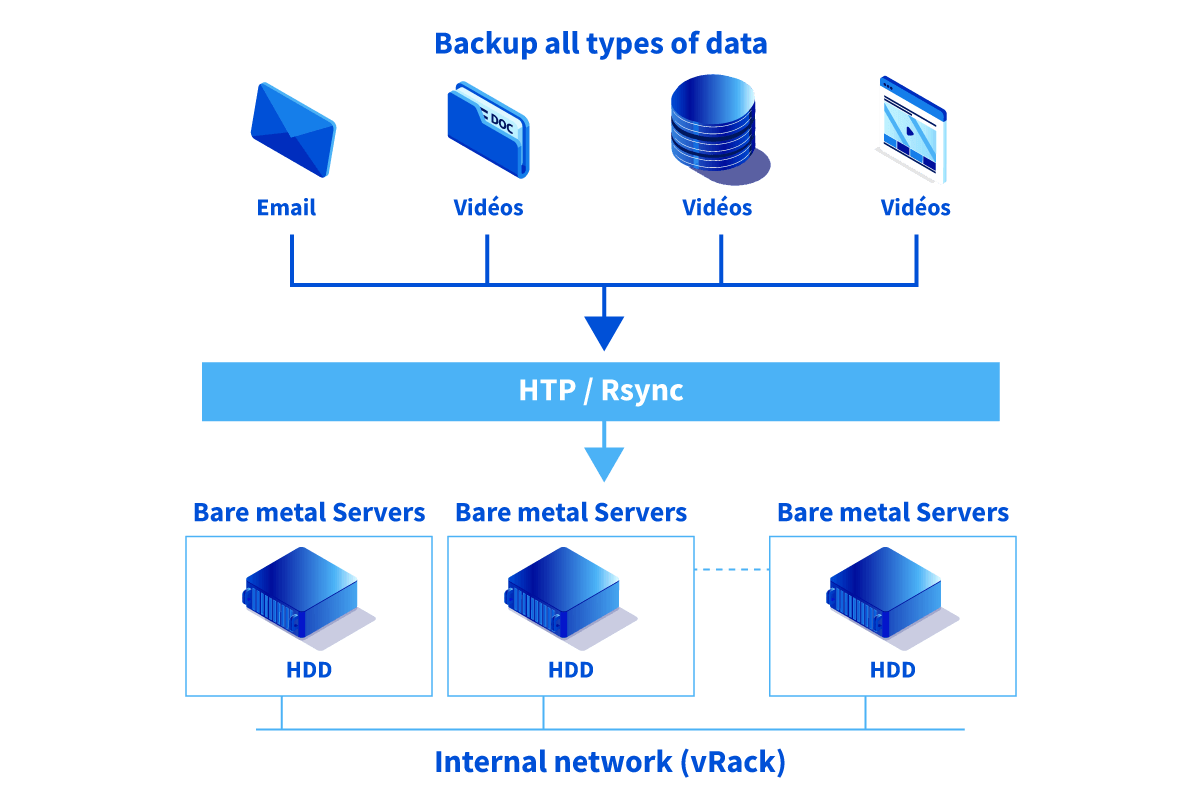
With Kimsufi servers you can replicate data across multiple datacenters, guarantee availability in the event of a major incident and regularly test your restore procedures.
Roll out your backup tools (Veeam, Bacula, rsync…) and run your DR plan to your own requirements — including protecting your dedicated database servers when an incident strikes.
Available options and services:
- Link Aggregation (OLA)
- vRack private network
- advanced memory and storage configurations
How long should data be retained?
It depends on the data type (accounting, HR, tax…). You can set your own retention policies based on your obligations.
How do I size storage?
Estimate your annual volume, multiply by your retention period, then add a safety margin. The infrastructure scales as your needs grow.
Are these servers suitable for a DR plan?
Yes. Replicating between sites lets you keep service going even when something fails.
How do I secure data access?
Use a private network to isolate your servers and restrict access. Your data never traverses the public internet.
Which backup tools should I use?
You are free to install whatever you prefer — every major backup product on the market is supported.