




















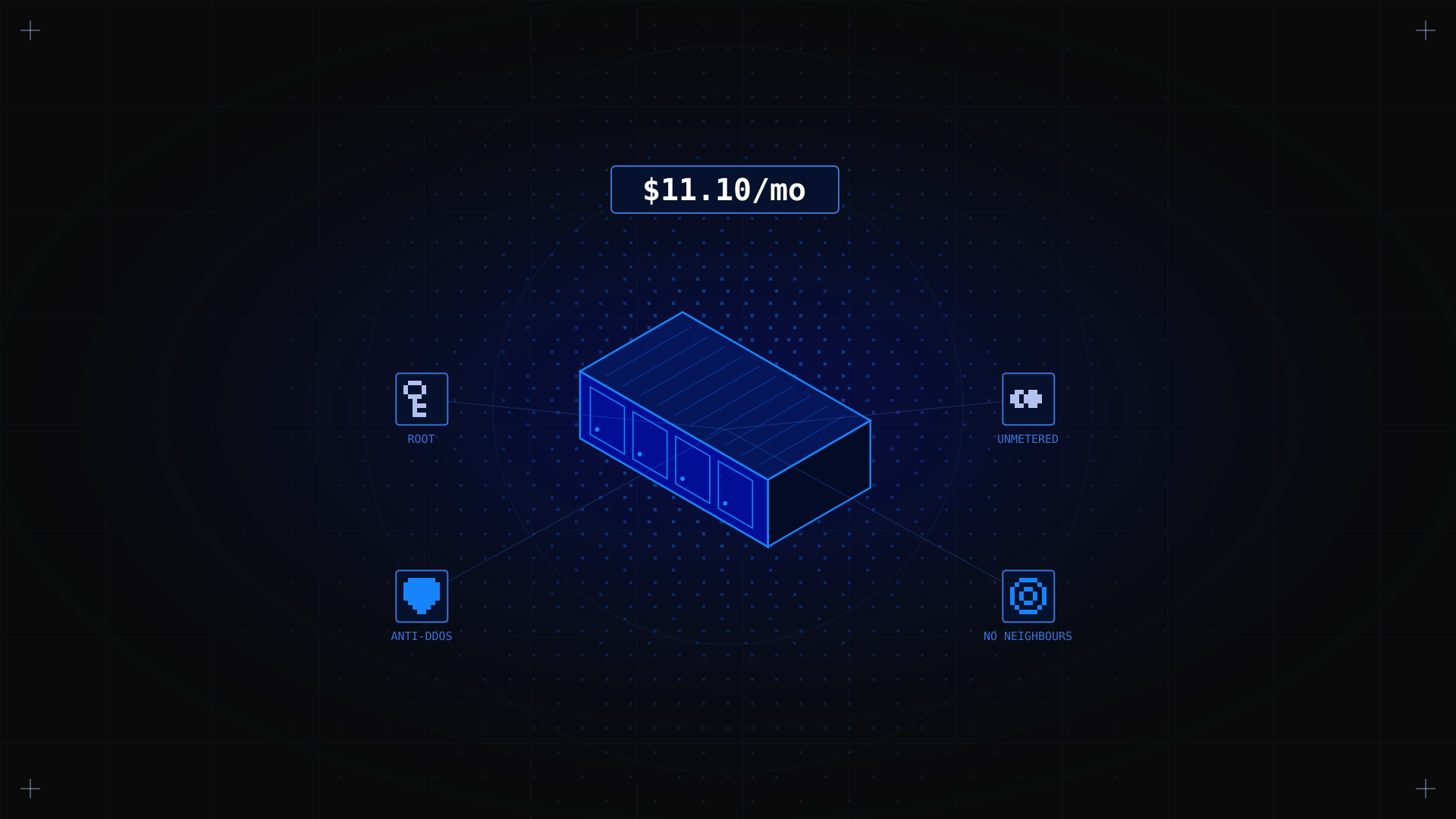
Getting dedicated server performance without breaking the bank is no longer a compromise. Budget dedicated servers give you root access, dedicated hardware, and bare metal performance at a fraction of the cost of premium enterprise configurations. Whether you are a developer, a small business, or a hobbyist running a game server, this guide helps you understand what budget dedicated servers are, what to look for, and where to find the best value: starting from $11.10/month with Kimsufi.
Key Takeaways
- Budget dedicated servers provide dedicated physical hardware: no shared resources, full root access, and predictable performance at entry-level pricing.
- The main criteria for choosing a budget dedicated server are: CPU type (Intel Xeon or AMD EPYC/Ryzen), RAM, NVMe SSD storage, bandwidth, and DDoS protection.
- Kimsufi offers three ranges: KS, SYS, and RISE, covering entry-level to performance tiers, all with unmetered bandwidth and built-in anti-DDoS.
- Budget does not mean under-powered: modern entry-level dedicated servers outperform VPS solutions at comparable price points for CPU-intensive or storage-heavy workloads.
What Are Budget Dedicated Servers?
A budget dedicated server is a physical server rented from a hosting provider at an affordable monthly price, typically under $50/month, where you get exclusive use of the hardware. Unlike shared hosting or VPS (Virtual Private Server), there is no virtualisation layer and no neighbouring tenants competing for CPU, RAM, or disk I/O.
The term 'budget' refers to the pricing tier, not to a compromise in reliability. Entry-level dedicated servers use real server-grade hardware: Intel Xeon or AMD EPYC processors, ECC RAM, and SSD or NVMe storage, housed in professional data centres with redundant power and network connectivity.
💡 Is Kimsufi owned by OVH? Yes. Kimsufi is a brand operated by OVHcloud, one of the world's largest hosting providers. Kimsufi servers run on the same global infrastructure and data centres as OVHcloud, with the same anti-DDoS protection and network backbone, at entry-level prices.
What Are the Benefits of Dedicated Servers?
Full root access and complete control
With a dedicated server, you have root (or administrator) access to the entire machine. You choose the operating system: Linux distributions like Ubuntu, Debian, AlmaLinux, or Windows Server. You install any software, configure any service, and manage every aspect of the environment without restrictions imposed by a shared hosting provider.
Dedicated resources: no noisy neighbours
On shared hosting or a VPS, other users on the same physical server can consume CPU cycles and disk I/O, degrading your performance. A dedicated server means the hardware is yours alone: consistent performance under load, predictable latency, and no resource contention.
Built-in DDoS protection
All Kimsufi servers include OVHcloud's proprietary anti-DDoS protection at no extra cost. Traffic scrubbing happens at the network edge before it reaches your server, protecting your services from volumetric attacks without requiring you to configure anything.
Unmetered bandwidth
Kimsufi servers come with unmetered bandwidth on a shared 100 Mbps to 1 Gbps uplink. Unlike cloud providers that charge per gigabyte of outbound transfer, your monthly bill stays predictable regardless of how much traffic your server generates.
What Types of Budget Dedicated Servers Are Available?
Kimsufi organises its dedicated server offering into three ranges, each targeting a different use case and budget:
| Range | Starting price | RAM | Storage | Best for |
|---|---|---|---|---|
| KS | $11.10/mo | 16–32 GB | SSD / HDD | Personal projects, dev environments, light web hosting |
| SYS | $33.20/mo | 32–64 GB | NVMe SSD | Business workloads, databases, game servers |
| RISE | $61.20/mo | 64–192 GB | NVMe SSD RAID | High-performance apps, virtualisation, e-commerce |
Servers are also available by processor type: Intel Xeon for proven enterprise reliability, AMD EPYC for high core-count workloads, and AMD Ryzen for cost-effective gaming and development servers.
What Is the Performance of Budget Dedicated Servers?
Modern budget dedicated servers are surprisingly capable. Entry-level KS servers feature multi-core Intel or AMD processors, SSD storage with SATA III interfaces, and 16 to 32 GB of RAM: enough to comfortably host a web application, a database server, a Minecraft or game server, or a private VPN.
Mid-range SYS servers step up to NVMe SSD storage, delivering significantly lower disk latency than SATA SSD. This makes a real difference for database-heavy applications (MySQL, PostgreSQL) and file-serving workloads where I/O throughput is a bottleneck.
How to Choose a Budget Dedicated Server
Follow these criteria to match a server to your actual needs:
1. Define your workload first
CPU-bound workloads (compilation, video encoding, game servers) benefit most from high clock speeds and multiple cores. Memory-bound workloads (databases, caching layers like Redis) need maximum RAM. Storage-bound workloads (file servers, backups, media streaming) need NVMe SSD with high throughput.
2. Choose your operating system
Most budget dedicated servers support Linux distributions (Ubuntu, Debian, AlmaLinux, CentOS Stream) and Windows Server. Linux is free and the default choice for web and development workloads. Windows Server is available at additional cost and is required for .NET or SQL Server environments.
3. Consider your location
Kimsufi offers dedicated servers in multiple locations across Europe (France, Germany, UK, Poland), North America (Canada), and Asia-Pacific (Australia, Singapore, India). Choose the data centre closest to your end users to minimise latency.
4. Managed vs unmanaged hosting
Budget dedicated servers are typically unmanaged: you are responsible for the OS, software, security, and maintenance. If you need managed dedicated hosting (where the provider handles server administration), expect to pay a premium. Kimsufi servers are unmanaged, giving you full control with root access.
5. Check billing terms and SLA
Kimsufi offers monthly billing with no long-term commitment on most plans, and OVHcloud's infrastructure SLA ensures high uptime. Always verify the terms before committing.
Where to Find Cheap Dedicated Servers: Kimsufi Pricing
Kimsufi is one of the most competitive providers for budget dedicated servers globally. Prices start at $11.10/month for the KS range, with no setup fees on most configurations and monthly billing. All servers include:
- Root access with full OS reinstall capability from the control panel.
- KVM over IP for out-of-band management and emergency console access.
- Built-in anti-DDoS protection at the network level.
- Unmetered bandwidth (fair use policy applies).
- IPv4 address included; IPv6 /64 block available.
💡 Cheapest way to rent a server The KS range starts at $11.10/month. For the lowest possible cost, choose a French or Polish data centre location (typically the most competitively priced) and opt for monthly billing. No setup fees apply to most KS configurations.
How to Verify Your Budget Dedicated Server Is Ready to Use
- Log in via SSH: ssh root@YOURSERVERIP. You should connect successfully with the credentials from your provisioning email.
- Check hardware specs: run lscpu (CPU), free -h (RAM), and lsblk (disks) to confirm the hardware matches your order.
- Test network speed: install speedtest-cli and run speedtest to verify your bandwidth.
- Confirm DDoS protection: it is enabled by default on all Kimsufi servers. No action required.
Common Issues with Budget Dedicated Servers
Most issues with newly provisioned budget dedicated servers fall into one of these categories:
- Cannot SSH in: check that you are using the correct IP and root password from the provisioning email. If still locked out, use the KVM console from the Kimsufi control panel to access the server directly.
- Server seems slow: run htop to identify resource bottlenecks. High CPU wait (wa) indicates disk I/O saturation: consider upgrading to a NVMe SSD model.
- OS reinstall needed: all Kimsufi servers support OS reinstallation from the control panel. Choose from a curated list of Linux distributions and Windows images.
- Network connectivity issues: verify your firewall rules with ufw status or iptables -L, and make sure you have not accidentally blocked your own IP.
Conclusion
Budget dedicated servers bridge the gap between affordable shared hosting and expensive enterprise infrastructure. With Kimsufi, you get bare metal performance, root access, unmetered bandwidth, and built-in DDoS protection, starting at $11.10/month. Whether you need an entry-level KS server for a personal project or a SYS server for a growing business application, there is a Kimsufi configuration to match your workload and budget.
Find your budget dedicated server Browse Kimsufi's KS, SYS, and RISE ranges. No setup fees. Monthly billing. Root access from day one.
FAQ
What is the cheapest way to rent a dedicated server?
Kimsufi's KS range starts at $11.10/month with no setup fees, making it one of the most affordable entry points for dedicated server hosting globally. Monthly billing means no long-term commitment. You can read more about what to expect in our guide on what is a dedicated server.
What is the difference between budget dedicated servers and VPS?
A VPS (Virtual Private Server) shares physical hardware with other tenants through virtualisation. A dedicated server gives you exclusive access to a physical machine: no shared CPU, RAM, or storage. For the same price, dedicated servers typically offer better and more consistent performance.
Can I run Windows on a budget dedicated server?
Yes. Kimsufi supports Windows Server on most configurations, available at an additional monthly cost. Linux distributions (Ubuntu, Debian, AlmaLinux) are available for free.
Do budget dedicated servers include DDoS protection?
Yes. All Kimsufi servers include OVHcloud's anti-DDoS protection at no extra cost. It operates at the network level and requires no configuration on your part.
Is Kimsufi reliable for production workloads?
Kimsufi operates on OVHcloud's global infrastructure: the same data centres, network backbone, and hardware standards. It is a solid choice for small to medium production workloads, development environments, game servers, and personal projects.