










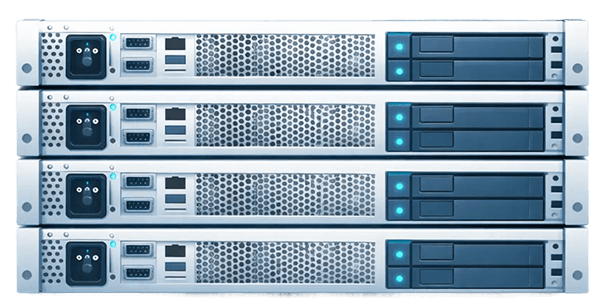


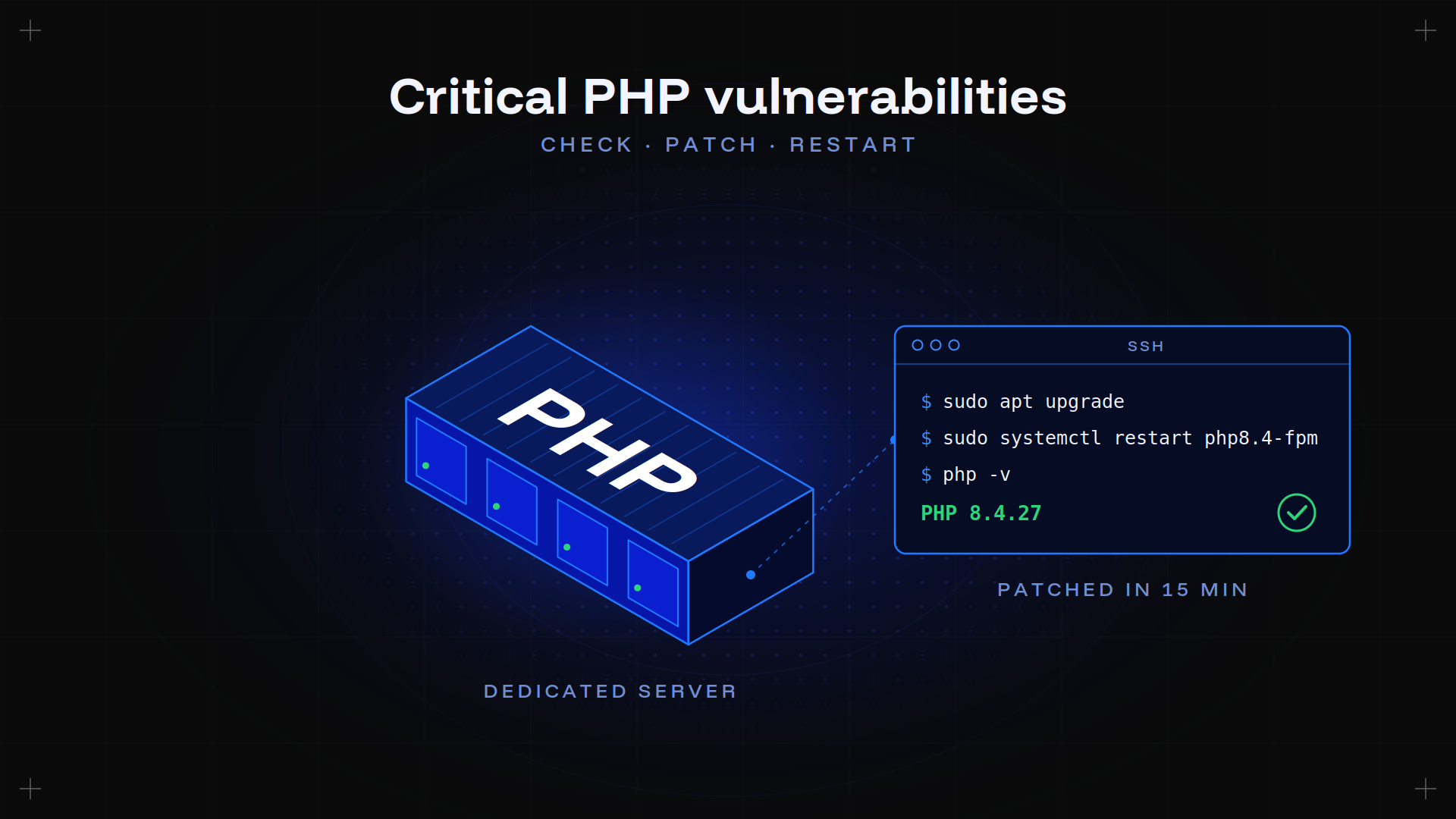











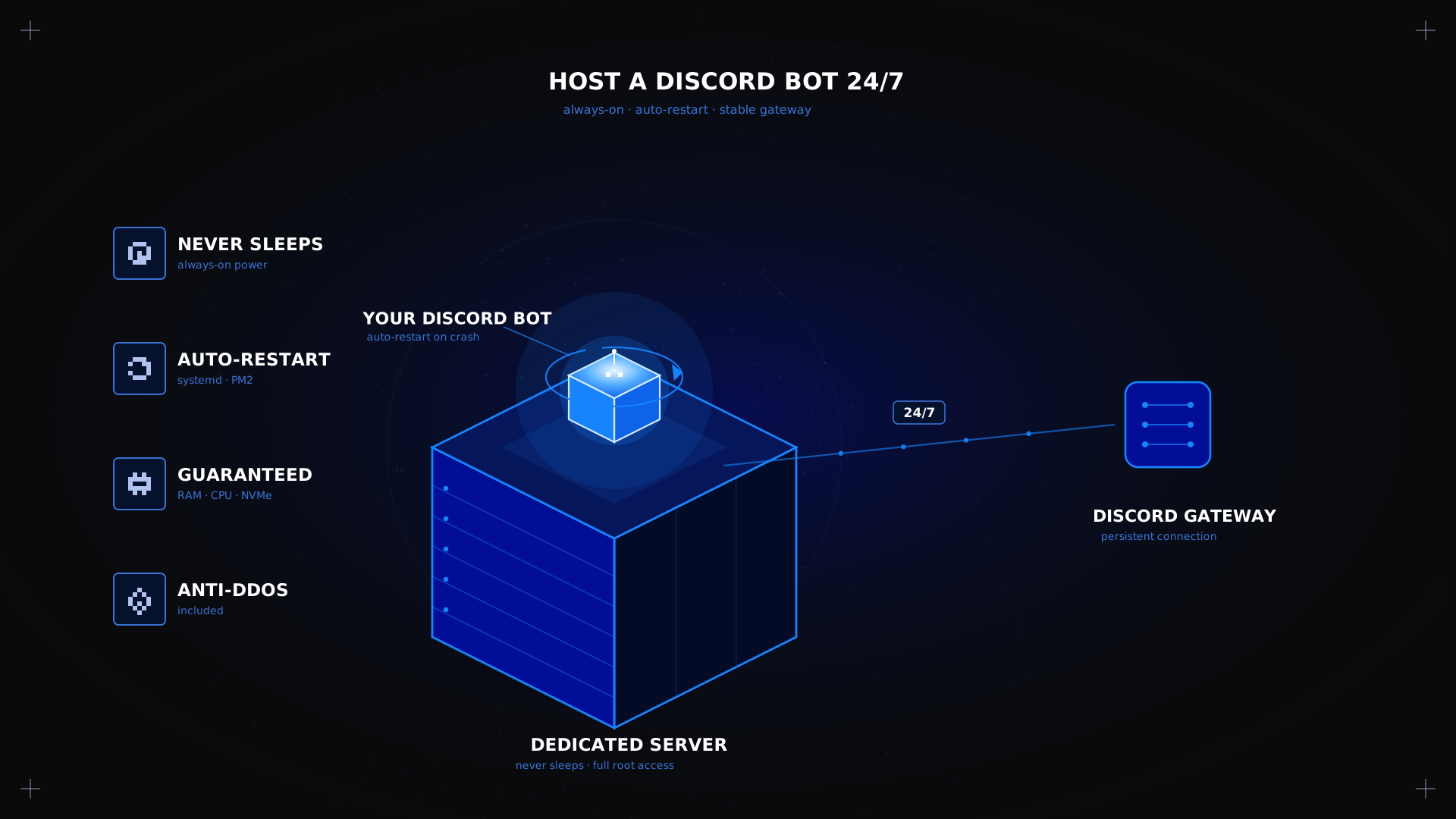
To host a Discord bot 24/7, you need a machine that never sleeps, something that restarts your bot after a crash, and a stable connection to Discord's gateway. A laptop closing its lid or a slow-waking free plan will take your bot offline at the worst moment. This guide covers what always-on hosting actually requires and how a Kimsufi dedicated server compares to a VPS or a free plan for keeping a bot online for good. To see the hardware this guide is based on, explore the Kimsufi range of dedicated servers.
Key takeaways
- To host a Discord bot 24/7 you need three things: a server that never sleeps, an auto-restart setup for crashes, and a stable gateway connection.
- A free plan works for testing, but sleep modes and shared resources catch up with it once a community grows.
- A process manager such as systemd or PM2 is what actually keeps the app online, not the hosting plan alone.
- Node.js and Python are both fully supported runtimes; the choice depends on your bot library, not the server.
- A dedicated machine adds full root access and guaranteed RAM and CPU, removing the shared-hardware limits of a VPS or free plan.
What does keeping a Discord bot online 24/7 mean?
Keeping a Discord bot online 24/7 means running its process continuously on a machine that stays powered on, so the app maintains an active connection to the gateway around the clock. It also means the process comes back automatically after a crash, an update, or a reboot, without you restarting it by hand. This differs from running a bot occasionally on a home PC, which goes offline the moment the machine sleeps or loses power.
How 24/7 Discord bot hosting works
A Discord bot keeps a persistent connection to Discord's gateway. When that connection drops, a bot built with discord.js or discord.py reconnects on its own, but only if the underlying process is still running.
The steps on a Linux server look like this:
- Add the runtime with
sudo apt install nodejs npm, or the Python equivalent. - Clone the app's code with git, then keep the bot token and any other secrets in environment variables rather than in the code. A leaked token means anyone can control the bot, so never commit it to a public repository.
- Sign in with a Discord account, register the app in the Discord Developer Portal, and invite it to your server.
- Wrap the app in a systemd service or a pm2 command so it comes back on its own after a crash or reboot.
With this in place, a crash or a routine update no longer means logging back in to restart anything.
Hosting options for a Discord bot
Local machine or home PC
Fine for testing, but the app drops offline the moment you close the lid or lose your connection.
Free tier
A free tier suits a small bot with a handful of servers, and plenty of hobby projects run this way. The catch is shared resources, occasional cold starts, and storage or hour limits that a growing bot will hit.
VPS
A VPS gives root access on a cloud instance, but the hardware underneath is still shared, so CPU can vary under load.
Dedicated server
A whole physical machine: guaranteed RAM and CPU, NVMe storage, no shared neighbors, and full root access to configure things exactly as you want. Kimsufi's dedicated server hosting service includes anti-DDoS protection by default, which matters if a bot-heavy Discord community ever gets targeted. The same guaranteed RAM and CPU also leaves enough headroom to run a game server alongside the bot at no extra resource cost. Our page on hosting a Discord bot on Kimsufi covers the rest.
Benefits and use cases by profile
- Developers testing several apps get root access and room to run multiple Docker containers side by side, each in its own isolated environment.
- Community managers running a server tied to a game community get predictable uptime without a free tier's cold starts.
- SMEs and agencies running a bot alongside a website or database consolidate everything on one machine instead of several plans.
Dedicated server versus alternatives for Discord bot hosting
| Criteria | Free tier | VPS | Dedicated server |
|---|---|---|---|
| Uptime | Cold starts common | Generally stable | Consistently online |
| Latency | Variable | Good | Best, predictable |
| Resources | Shared, limited | Shared hardware | Guaranteed, exclusive |
| Control | Minimal | Root access | Full root access |
| Monthly cost | No cost, but limited | Moderate | Predictable, scales with need |
How to choose your Discord bot hosting
- Estimate RAM and CPU from your server count and active commands, not the app's size on disk.
- Confirm Node.js or Python installs easily on the machine's Linux distribution.
- Decide how much uptime matters; a hobby project tolerates the odd restart, a community-critical one should not.
- Compare the monthly cost against what a free tier's limits would cost in lost reliability.
- Check latency to your region, read the provider's terms of service and privacy policy for how tokens and data are handled, and pick the right Linux distribution up front.
Conclusion
Keeping a bot online 24/7 comes down to a machine that never sleeps and a restart-on-crash setup that brings it back the moment something goes wrong. A free tier or a home PC works fine while testing, but a Kimsufi dedicated machine, backed by anti-DDoS protection included, removes the cold starts and shared resources that eventually get in the way. If you are configuring your first server, our page on setting up a dedicated server walks through the basics before you deploy.
Frequently asked questions
How do I host a Discord bot 24/7?
Wrap the app in a process manager such as systemd or PM2, on a machine that stays powered on, so it comes back after any crash or reboot.
What are the best free Discord bot hosting options?
A free tier works for small, low-traffic bots, but expect cold starts, shared resources, and hour or storage limits once a bot grows.
How do I keep a Discord bot online?
Combine an always-on machine with an auto-restart setup that brings the bot process back the moment it stops or crashes.
What programming languages can I use for Discord bots?
Node.js with discord.js and Python with discord.py are the most widely supported, and both run well on a standard Linux server.
What are the requirements for hosting a Discord bot?
A machine that stays online, enough RAM and CPU for your command load, a supported runtime, and a way to manage restarts automatically.
How do I deploy a Discord bot easily?
Add the runtime, upload your bot files or clone them with git, keep the bot token in environment variables, register the app in the Discord Developer Portal, then wrap it in a restart-on-crash setup.
What is the cost of hosting a Discord bot?
A free tier costs nothing but comes with limits; a VPS or a Kimsufi dedicated server has a predictable monthly cost that scales with what the app actually needs.