
























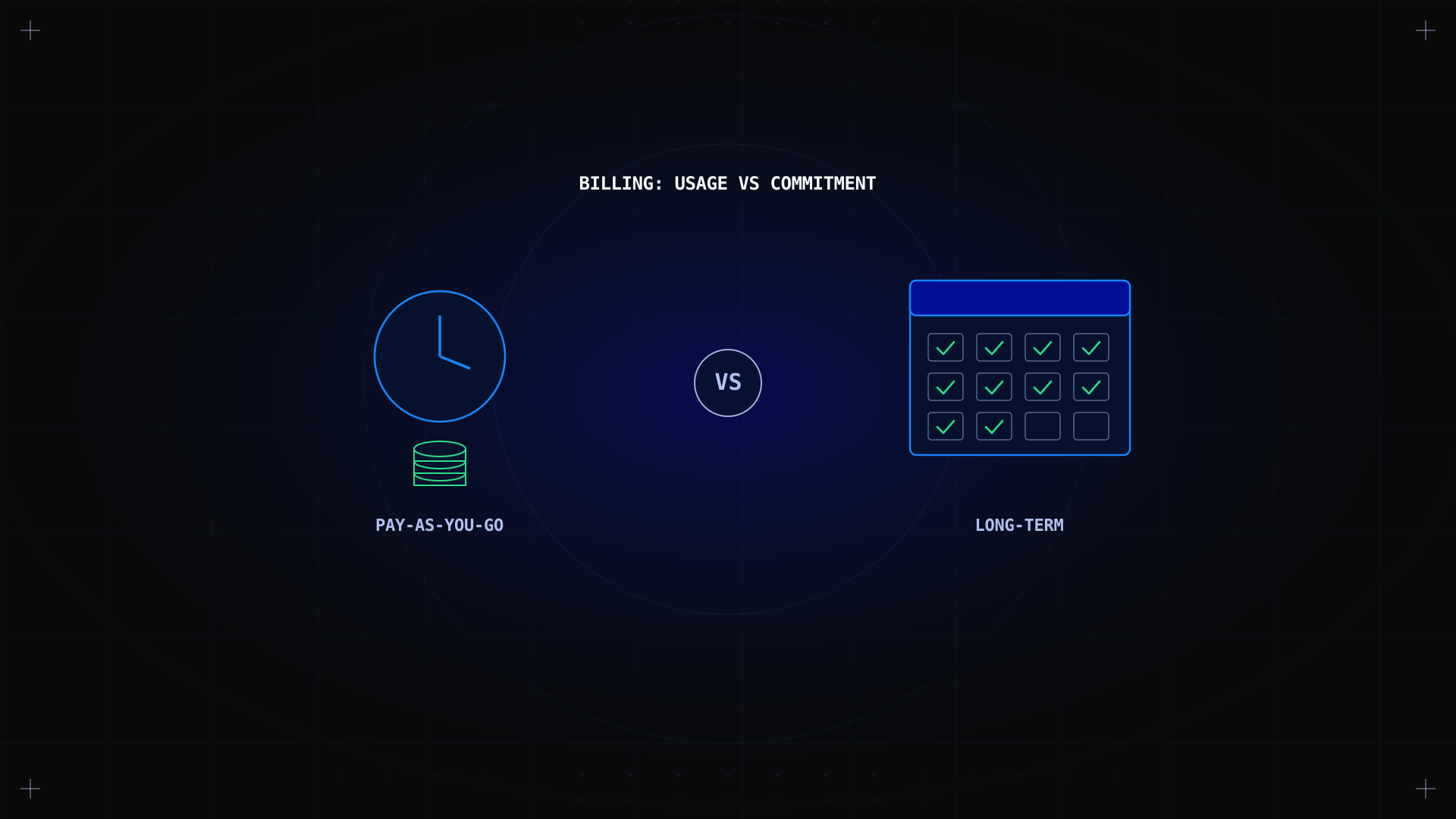
Pay-as-you-go vs long-term is a billing decision, not a hardware decision: it settles how you pay for a dedicated server, not what server you get. Pay-as-you-go bills month to month with no commitment; a committed plan locks in a lower rate for a fixed term. Neither wins outright, so this guide compares both on the criteria that actually matter.
Key takeaways
- Pick pay-as-you-go if you need the freedom to cancel, scale, or test a workload without signing a fixed commitment.
- Pick a committed plan if you want a lower recurring cost and a rate locked in for the contract period.
- The key differentiator is what you're optimizing for: pay-as-you-go optimizes for flexibility per cycle, a committed plan for total cost of ownership.
- Neither model is cheaper for every customer. The better deal depends on how long the server actually stays in use, and how predictable that is from day one.
Pay-as-you-go and long-term plans: what are we comparing?
Pay-as-you-go bills a dedicated server one cycle at a time, with no minimum term and no early cancellation fee. The monthly price is usually higher than an equivalent committed plan, since the provider prices in the flexibility you're buying. It typically suits a solo user testing an idea, a short project, a proof of concept, or any workload whose duration you genuinely cannot forecast yet.
A committed plan is the same hardware, sold against a fixed term, commonly 12, 24, or 36 months, in exchange for a lower monthly rate. Sign a longer term and that rate is usually locked for the whole contract, trading flexibility for predictability. Either way, you get the same physical machine, fully under your control, which is exactly what makes the two billing models directly comparable.
Some providers also offer a prepaid credit model as a middle ground, closer to prepaid mobile data than either option above. For how a dedicated server stacks up against shared cloud instances in the first place, see bare metal vs cloud hosting.
Pay-as-you-go vs long-term at a glance
Kimsufi-specific figures below reflect publicly listed specs and SLA terms, fetched from kimsufi.com/en/ on July 23, 2026.
| Criterion | Pay-as-you-go | Committed plan |
|---|---|---|
| Billing cycle | Monthly, no commitment | 12 to 36 months, fixed length |
| Starting price | $11.10/mo | Lower per month with a signed commitment |
| Price revision | Can change between cycles | Locked for the contract length |
| Cancellation | Anytime, no penalty | Early termination fees may apply |
| SLA | 99.90% | 99.90% |
| Support tier | Standard | Standard, premium tiers available |
| Best suited for | Short projects, testing, variable demand | Steady, predictable production workloads |
Price and commitment length are not interchangeable specs. Comparing only the monthly number, without checking the term behind it, means comparing two different products.
Pricing structure and total cost over time
Pay-as-you-go prices the server plus a flexibility premium, billed fresh every cycle with no discount for tenure. A committed plan prices the same hardware lower per month, because the provider recovers its cost over a guaranteed span rather than a single cycle.
The only reliable way to find the break-even point is to compare real invoices over several months against your actual usage. As a rule of thumb: short deployments usually favor pay-as-you-go on total cost, while anything running past a few months tends to favor the discounted, committed rate. Our budget dedicated servers show the monthly price of each configuration.
Commitment and cancellation flexibility
Pay-as-you-go: cancel at the end of any billing cycle, no penalty, no notice required beyond that cycle.
Committed plan: you're held to the agreed term; ending it early can trigger a cancellation fee or the loss of the discounted price, depending on the contract.
Renewals matter as much as cancellation: a plan that auto-renews at the same rate is a very different commitment from one that resets to a higher price once the term ends. Our dedicated server buyer's guide covers the renewal and cancellation clauses worth reading before you sign.
Budget predictability
A committed plan gives you one fixed line in the budget for the length of the contract, with no risk of a mid-cycle price change. Pay-as-you-go keeps that door open between cycles, since the provider isn't bound by a set term either.
A committed plan removes the risk of a surprise invoice, since the amount won't move for the contract's length.
That gives a finance or account team one number to plan around, which matters more once you're managing several servers.
You can still switch between billing models later, based on real invoice history, without downtime or losing control of the setup.
For a business whose own spending is unpredictable, the logic flips: a fixed-length plan can lock in a cost that stops matching actual usage, turning a budgeting tool into an unused line item. Matching the billing model to the workload matters more than chasing the lowest headline price.
Resource availability and scalability
Both plans run on identical hardware, so neither one changes the raw resources you get. What changes is how easily you can walk away: a pay-as-you-go customer can resize or replace a server at the next cycle with no unused commitment left behind, while a customer on a fixed-length plan who outgrows it mid-contract may keep paying for a configuration that no longer fits.
Neither billing model imposes its own data limit beyond the server's hardware; unmetered bandwidth options apply equally to both, so bandwidth isn't a factor you need to weigh in this particular decision. This matters most for a growth-stage business, where a locked-in plan can turn into paid-for spare capacity within a few months.
Support and SLA terms
Kimsufi applies the same core SLA and standard support regardless of the plan, so you don't trade away service quality by choosing pay-as-you-go over a committed plan. Extra tickets, urgent escalations, and add-on overage are billed the same way regardless of contract length, with no separate early-cancellation charge on pay-as-you-go.
Where plans genuinely differ is in optional, premium tiers and add-on features, which some committed contracts bundle in at a lower effective cost than adding them one at a time. If you have strict requirements, compare the full cost of the base offer plus any add-ons against your actual usage, and confirm with the account team, not just the person placing the order, what a plan actually covers before signing.
When to choose pay-as-you-go
- You're running a short project, a proof of concept, or a workload with a defined end date a few months out.
- You need to test a configuration before committing to a longer contract, without an extra setup delay.
- Your usage is genuinely hard to forecast, and avoiding a fixed commitment is worth a higher monthly rate.
- You want the option to cancel or resize at short notice, based on real needs rather than a forecast.
When to choose a long-term plan
- You run a steady, production workload expected to stay in place well past the break-even point.
- You want a fixed monthly cost for budgeting, with no mid-contract price change or surprise limit.
- You've already tracked actual usage over a few cycles and confirmed the workload isn't going away soon.
- You value a lower recurring cost over the flexibility to cancel at short notice.
Our recommendation
As a hosting provider, Kimsufi offers both billing models on the same dedicated server ranges, so read this recommendation with that in mind. If you already know a workload is here to stay, a committed plan is usually the better deal: the lower recurring cost adds up, and the rate stays predictable for the whole period.
If you're still validating a project, pay-as-you-go avoids locking in a rate before the real usage pattern is known. When in doubt, start on pay-as-you-go and review actual invoices after a few cycles before switching, rather than guessing up front. Explore long-term server plans to compare current configurations and contract options.
Conclusion
Pay-as-you-go and a committed plan solve different problems. Pay-as-you-go is better when flexibility on an unproven workload matters more than the lowest recurring cost; a committed plan is better once you've confirmed the workload is staying and you want that lower rate locked in. Most decisions come down to actual usage data over a few cycles, and neither billing model is a universal upgrade over the other.
FAQ
What is the difference between pay-as-you-go and a committed plan?
Pay-as-you-go, often abbreviated PAYG, bills month to month with no fixed commitment. A committed plan locks in a lower monthly rate in exchange for a set term, commonly 12 to 36 months.
Is pay-as-you-go more expensive than a committed plan?
Usually, yes, per cycle. Pay-as-you-go carries a flexibility premium, so the monthly rate is typically higher than the equivalent committed rate, though total cost depends on how long you actually keep the server running.
Can I switch from pay-as-you-go to a committed plan later?
In most cases, yes. You can start on pay-as-you-go, track a few billing cycles of actual usage, and move to a fixed-length plan once the workload's duration is confirmed.
What happens if I cancel a committed plan early?
Early cancellation can trigger a fee or the loss of the discounted rate, depending on the contract terms agreed at signup. Pay-as-you-go carries no such charge.
Does a committed plan include better support or SLA?
The core SLA and standard support are the same across both plans, on the same underlying hardware. Some committed contracts bundle in premium support tiers at a lower effective cost than adding them separately.
How do I estimate the break-even point between the two plans?
Compare the pay-as-you-go monthly rate against the committed rate plus any setup or early-termination fee, then divide the difference by the monthly savings to estimate how many cycles it takes to pay off.
Do hosting providers offer a hybrid approach?
Some do, letting you start on pay-as-you-go and switch once usage stabilizes, which avoids signing a rigid contract before the pattern is clear. This suits growing teams that can't yet predict their own server needs.