























Self-hosted file storage keeps every document on a machine you control instead of a provider's. This guide compares the open-source options of 2026, shows how to deploy one, and works out when it beats a subscription.
Key takeaways
- Nextcloud is the broadest workspace, Seafile the fastest sync, Cloudreve the leanest file browser.
- ownCloud now means Infinite Scale. The classic PHP build no longer ships a web interface.
- One compose file deploys any of them. The work is backups, TLS, and access control.
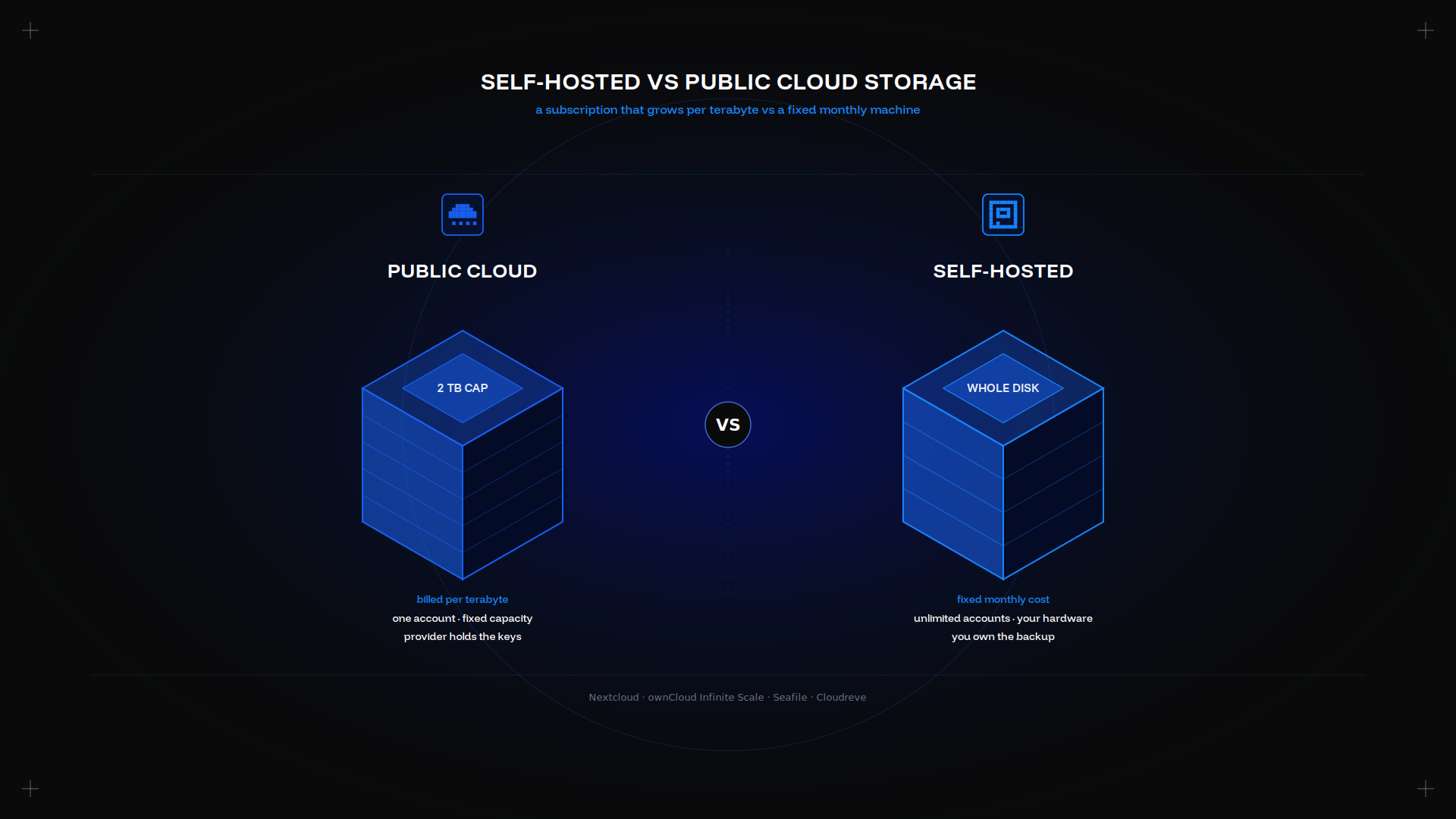
- A 2 TB public cloud plan costs $9.99 to $11.99 a month. Two terabytes is where hardware wins.
Why choose self-hosted cloud storage?
Ownership. Ownership is the point: your data sits on private hardware you rent, with no provider indexing it. You also pick the country it lives in, which is half of data sovereignty compliance.
Cost that stops scaling. A public cloud plan grows per terabyte. A machine does not, whatever you upload.
No feature gates. Sharing, versioning, and external connectors ship in the free build.
You take ownership of the maintenance, though. Our dedicated server and cloud comparison covers that line.
Top open-source platforms in 2026
Nextcloud. Files, calendar, contacts, Office, and Talk, with an add-on catalogue you can extend. Most complete, heaviest: a solid setup wants a database and Redis.
ownCloud Infinite Scale. The Go rewrite, now the only ownCloud with a web interface. Leaner than the PHP original, solid at enterprise scale, and the data stays yours.
Seafile. Fast sync of large libraries, encrypted, with a good desktop client and full-text indexing.
Cloudreve. A file browser over the local disk or an S3-compatible object store. A common homelab pick, with a custom driver per backend.
Feature comparison table
| col1 | Nextcloud | oCIS | Seafile | Cloudreve |
|---|---|---|---|---|
| Encryption | Server and E2E module | Server-side | Encrypted libraries | Backend-dependent |
| Sync | Yes | Yes | Fastest | Web-first |
| Mobile | iOS, Android | iOS, Android | iOS, Android | Web only |
| Extensibility | Large add-on catalogue | Moderate | Focused | Backend drivers |
| Best fit | All-in-one workspace | Enterprise file cloud | Large libraries | Object storage |
Step-by-step deployment on a home server or VPS
Docker Compose is the shortest path, and it is the only tool you need. One compose.yml, then deploy the service:
services:
  web:
    image: nextcloud:apache
    ports: ["8080:80"]
    volumes: ["./data:/var/www/html/data"]
    environment:
      POSTGRES_HOST: db
      POSTGRES_DB: nextcloud
      POSTGRES_USER: nextcloud
      POSTGRES_PASSWORD: change-me  # replace with a strong password
    depends_on: [db]
  db:
    image: postgres:17
    volumes: ["./db:/var/lib/postgresql/data"]
    environment:
      POSTGRES_DB: nextcloud
      POSTGRES_USER: nextcloud
POSTGRES_PASSWORD: change-me # replace with a strong passworddocker compose up -dPoint a reverse proxy at port 8080, get a certificate, and mount the data volume on your largest disk. Deploy the container once and mount every drive you add underneath it. Our disk guide covers the HDD, SSD, and NVMe trade-off.
Secure configuration: encryption, access controls, 2FA
Never expose the interface. Terminate TLS at a reverse proxy and keep the container on a private network, so one secure endpoint faces the internet. A private container never answers a scan.
Turn on two-factor authentication for every account before inviting anyone. One switch, and the whole workspace is secure.
Use groups. Share file links and a folder structure with a group, and manage membership rather than per-file permissions. That keeps a large share file list secure.
Secure the volume at rest with LUKS, or pick a platform with encrypted libraries.
Backup and disaster recovery
Three rules cover it. Back up the database and the data directory together, since a snapshot without the matching data restores nothing. Keep one copy off the machine. Download it once and test the restore. Our guide to backing up a dedicated server automates all three with rsync or Borg and a nightly cron job.
A separate backup and recovery server is the clean way to hold that second copy, with remote access over SSH only.
Performance tuning: caching, CDN, storage backend
Add Redis. File locking and session caching are the biggest win, and they cut load on the database, freeing resource for the file service itself.
Move the database to NVMe. Metadata and search queries dominate, and they are the resource that limits throughput.
Serve previews from a CDN if you share file links widely.
Mount an object backend when the library outgrows the disk, and mount it read-write. Keep metadata local.
Cost analysis: self-hosted vs commercial SaaS
| col1 | 2 TB SaaS | Self-hosted |
|---|---|---|
| Monthly cost | $9.99 to $11.99 | From $11.10 USD/month |
| Capacity | Fixed | Whole drive |
| User accounts | One | Unlimited |
| Your time | None | Real |
Entry servers start at $11.10 USD/month. Compare our budget dedicated servers to size yours.
Common pitfalls and maintenance tips
Skipping the upgrade path. Each version applies in order; jumping one breaks the schema.
Forgetting background jobs. Without cron, previews never generate and shares never expire.
One volume for everything. Separate the database, the data, and the OS.
No monitoring. A full disk is the most common outage, and it is trivial to alert on.
Future-proofing: containers, Kubernetes, and edge
A container already covers most of it: the image is portable, so the host underneath becomes replaceable. A homelab tool like Portainer is optional.
Across several peer nodes, k8s adds an ingress controller for TLS, persistent volume claims that mount into each container, peer routing, and rolling updates. One k8s ingress can front several private workspaces, one workspace per node. It is real overhead to deploy for a single node.
Edge deployments push a read cache nearer users while the source of truth stays on your own infrastructure. One well-specified host is enough for most cases, as our reseller hosting guide shows.
Conclusion
Self-hosted file storage is a solved problem. Pick Nextcloud for breadth, Seafile for sync, oCIS or Cloudreve for a leaner file server, then spend the effort on backups and TLS. Every option here is free to try online before you commit a homelab to it.
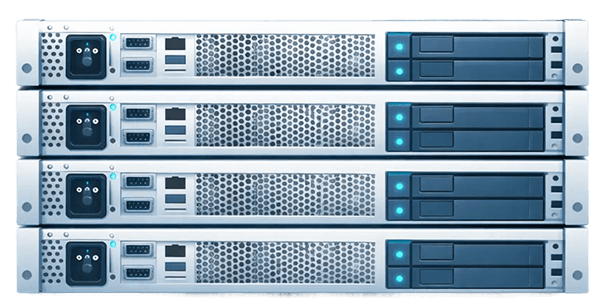
The Kimsufi range starts at $11.10 USD/month, SYS at $33.20 USD/month, and Rise at $64.00 USD/month, with full root access.
Frequently asked questions
How much does 1 TB of self-hosted storage cost?
The drive, once. An entry Kimsufi server with 1 TB starts at $11.10 USD/month a month, bandwidth included. No provider takes a cut per terabyte.
Why use a NAS instead of cloud storage?
Faster on your own network, no monthly fee. It sits in your home, so remote access needs work and one fire takes both copies.
What is the best self-hosted cloud service for home users?
Nextcloud, for its integrations and mobile app. Pick Seafile if you mainly want fast sync.
How much does 100 TB of cloud storage cost?
Thousands per month from any public cloud provider. At that scale a self-hosted homelab or rack is the only sensible answer, on a custom rack.
Can I run self-hosted cloud storage on a Raspberry Pi?
Yes, for one or two accounts. A Pi 5 with an external SSD runs Nextcloud acceptably, but struggles with previews.
What encryption methods are recommended for self-hosted data?
TLS in transit, LUKS at rest, and client-side keys only if you accept losing server-side search.
How do I sync files across multiple devices securely?
Use the official desktop and mobile app, which connects over TLS to your endpoint. Set an app password per device.
Is it possible to integrate self-hosted storage with mobile apps?
Yes. Nextcloud, oCIS, and Seafile all publish an iOS and Android app with background photo upload. Any WebDAV client connects too.