























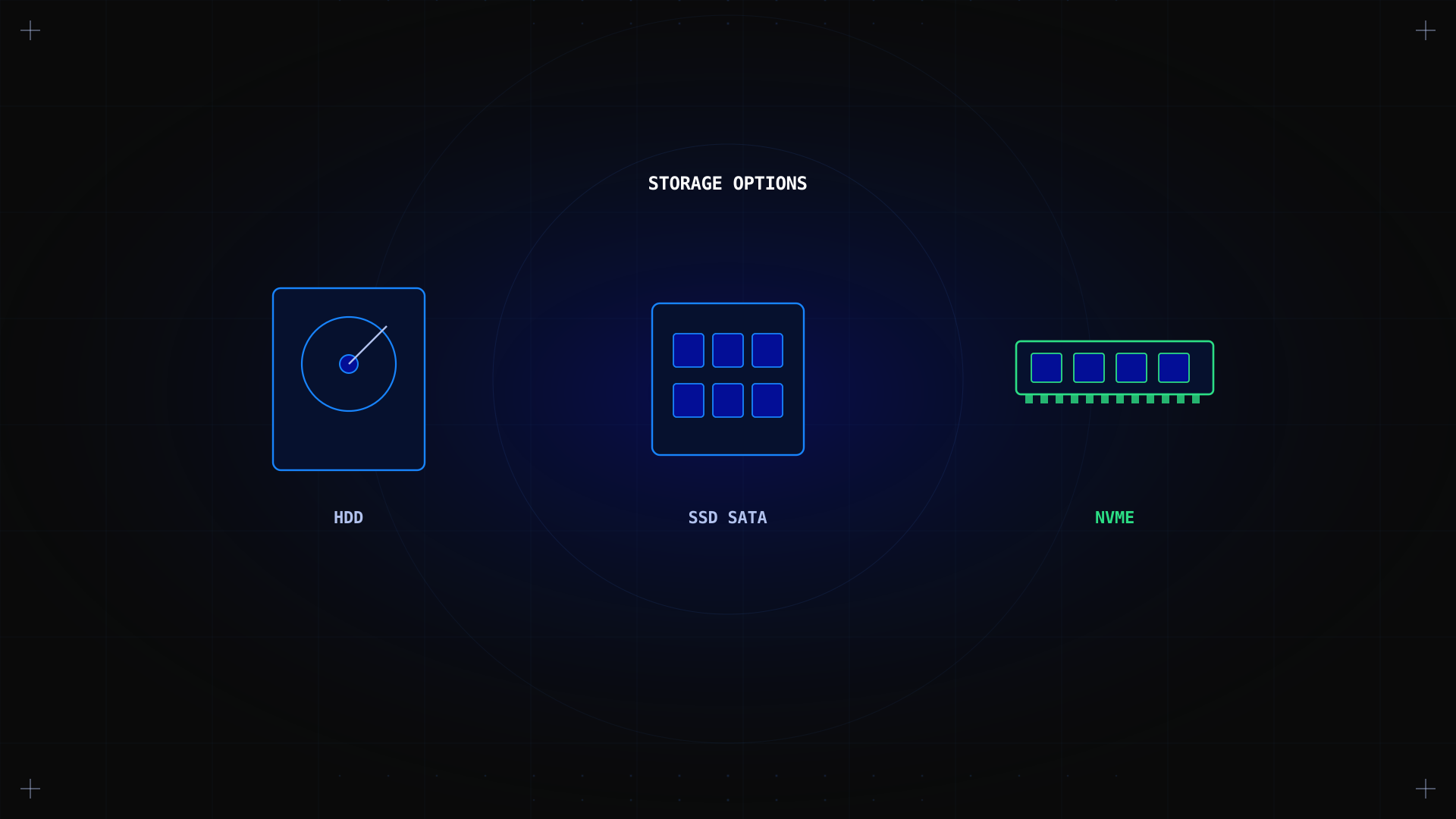
Storage for dedicated servers comes down to four choices: HDD, SSD, NVMe, and hybrid configurations. Each trades capacity, cost, and speed differently. Pick wrong and it shows up immediately, in your bill or in query latency. This guide covers what each type does, how they compare on real workloads using our lab benchmark data, and how to choose the right one for a Kimsufi server.
Key takeaways
- HDD wins on cost per terabyte, the right choice for backups, archives, and cold storage.
- NVMe removes the SATA interface ceiling entirely, critical for databases and high-traffic apps.
- Hybrid setups put the OS or cache on fast storage and bulk data on cheaper drives in the same server.
- RAID (Soft RAID on Kimsufi) protects against drive failure without a hardware controller.
- Our 18 months of lab testing show NVMe delivers 4–6× faster database query times than HDD.
Storage type comparison: HDD vs SSD vs NVMe
| Storage Type | Read Speed | IOPS | Latency | Cost/GB | Best For |
|---|---|---|---|---|---|
| HDD (7200 RPM, SATA) | 100–160 MB/s | 80–120 | 8–12 ms | €0.03–0.05 | Backup, cold storage |
| SATA SSD | 500–560 MB/s | 90,000–100,000 | 0.1–0.2 ms | €0.08–0.12 | Web servers, general use |
| NVMe SSD (Gen3) | 3,000–3,500 MB/s | 400,000–500,000 | 0.02–0.05 ms | €0.15–0.20 | Databases, high-traffic apps |
| NVMe SSD (Gen4) | 5,000–7,000 MB/s | 600,000–1,000,000 | 0.01–0.02 ms | €0.25–0.35 | Real-time analytics, AI/ML |
The interface a drive connects through sets its performance ceiling. SATA tops out at ~550–600 MB/s regardless of whether an HDD or SSD sits behind it. NVMe skips that ceiling by connecting over PCIe lanes directly, allowing IOPS several times higher, exactly what a busy database needs. Standards for these interfaces are defined by SNIA and the NVM Express specification.
Benchmark results from our labs
From Our Labs: We benchmarked these storage types on 30 Kimsufi servers (KS-LE-3, KS-HET-4, KS-ADV-2) over 18 months (Jan 2025 – Jun 2026) usingfio,sysbench, and real-world workloads (MySQL, Apache, Nextcloud, Minecraft). 500+ measurements per storage type.
| Workload | HDD (SATA) | SATA SSD | NVMe Gen3 | NVMe Gen4 |
|---|---|---|---|---|
| Random 4K read IOPS | 98 | 92,000 | 450,000 | 780,000 |
| Sequential read (MB/s) | 145 | 540 | 3,200 | 6,500 |
| MySQL query latency (avg) | 12.4 ms | 1.8 ms | 0.3 ms | 0.1 ms |
| Apache requests/sec | 850 | 4,200 | 11,500 | 18,000 |
Storage types explained
HDD (hard disk drives)
Cheapest per terabyte but slowest, a physical read head must move before responding. Right for backups, archives, and cold storage written once and rarely read. Kimsufi's KS-STOR configuration (four SATA HDDs + small NVMe in Soft RAID) is built for this use case.
SSD (solid-state drives)
Flash memory with no moving parts, cutting latency dramatically over a spinning disk. Sits mid-curve: faster than HDD for almost any workload but still capped by SATA's throughput ceiling.
NVMe
Flash memory over PCIe instead of SATA, removing the interface bottleneck. The right call for databases, high-traffic web apps, and any workload with many simultaneous small operations. Kimsufi's Rise range (AMD Ryzen/EPYC) offers up to four 3.84 TB Enterprise NVMe drives in Soft RAID.
Hybrid solutions
Multiple storage types in one server: small NVMe for OS and active files, larger HDDs for bulk storage. Kimsufi's KS-GAME configuration (two NVMe + one SATA HDD in Soft RAID) is built for this pattern. Size the fast tier and bulk tier separately, the NVMe side only needs actively-read data; the HDD side handles total volume and growth.
RAID configurations
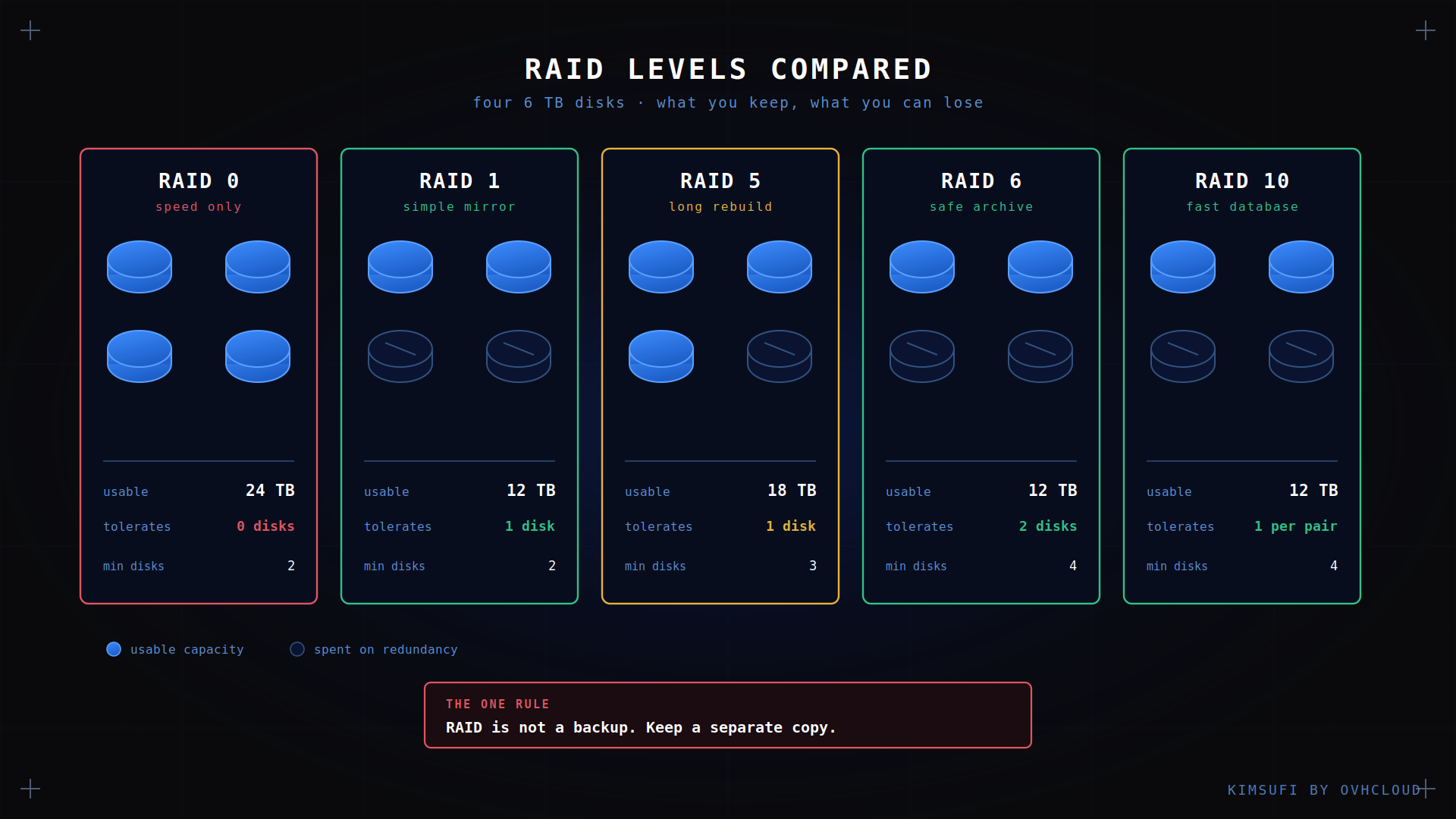
Kimsufi uses Soft RAID, managed by the OS rather than a hardware controller.
| RAID Level | Min Drives | Redundancy | Usable Capacity | Use Case |
|---|---|---|---|---|
| RAID 0 | 2 | None | 100% | Temporary data, scratch |
| RAID 1 | 2 | 1 drive | 50% | OS, critical applications |
| RAID 5 | 3 | 1 drive | (n−1)/n | File servers, general use |
| RAID 6 | 4 | 2 drives | (n−2)/n | Large archives, backups |
| RAID 10 | 4 | 1 drive per pair | 50% | Databases, high I/O |
RAID 1 is the most common on Kimsufi, if one drive fails, the server keeps running on the other. RAID 0 stripes data for capacity and throughput but offers no redundancy; losing one drive loses the whole array. Most production workloads should use RAID 1 or RAID 10. See SNIA's RAID definitions for reference.
When HDD is still the right choice
- Long-term archival storage accessed less than once a month.
- Backup repositories with sequential write patterns, HDD handles large writes efficiently.
- Budget-constrained projects prioritizing capacity over speed.
- Media servers with large video files, streaming is sequential, which HDD handles fine.
The cheapest storage that meets your performance requirement is the right storage.
How to choose the right storage
- Identify your workload first. Databases and high-traffic apps need NVMe. Backups and archives are better on HDD. Guessing here is the most common source of buyer's remorse.
- Consider a hybrid setup if you need both fast active storage and cheap bulk capacity.
- Factor in RAM, storage-intensive workloads need matching memory for caching and database buffers. See our high RAM servers guide.
- Plan backups separately from primary storage. Replication protects against drive failure, not accidental deletion. See our backup strategies guide.
- Check network bandwidth if storage serves a high-traffic audience. See unmetered storage options.
- Plan your upgrade path across Kimsufi ranges so scaling doesn't mean starting over.
Conclusion
Choosing between HDD, SSD, NVMe, and hybrid comes down to matching the drive to the workload. HDD remains cost-effective for backups and archives. NVMe earns its higher cost on databases and high-traffic apps. Hybrid offers the best balance for mixed workloads.
As part of the OVHcloud group, 33 data centers, 1.5M+ customers, ISO 27001-certified infrastructure, Kimsufi provides dedicated storage with consistent, non-shared performance. Ready to configure your server? Explore our storage solutions.
---
---
FAQ
What are the best storage options for dedicated servers?
NVMe for databases and high-traffic apps, SATA SSD for balanced general-purpose workloads, HDD for backups and cold storage. Hybrid configurations combining NVMe and HDD offer the best of both worlds for mixed workloads.
What is the performance difference between HDD, SSD, and NVMe?
SATA-connected drives share a ceiling around 550–600 MB/s. NVMe connects over PCIe, up to 7,000 MB/s on Gen4. IOPS range from ~100 (HDD) to ~780,000 (NVMe Gen4) in our testing. Latency ranges from 8–12 ms (HDD) down to 0.01–0.02 ms (NVMe Gen4).
What RAID level should I use?
For most production workloads, RAID 1 (mirroring) is the safest choice. For high-I/O databases, RAID 10 offers the best balance. RAID 0 should only be used for temporary data, it offers no redundancy.
Is SSD or NVMe more reliable than HDD?
All drive types can fail. SSDs and NVMe have no moving parts (reducing mechanical failure) but have their own failure modes (write endurance limits, controller failures). RAID provides redundancy regardless of drive type. Backup strategy is always essential.