


Introduction
PHP still runs most of the web, and on your own machine you control the version, the extensions and every setting. This guide covers a production install on Debian or Ubuntu: the distribution packages or a newer PHP from a trusted repository, Apache or Nginx, php-fpm pools sized to your memory, OPcache, and several PHP versions side by side. A Kimsufi server starts at $11.10/month.
Prerequisites & Requirements
- Root or sudo access over SSH, and the IP address of your server.
- Debian or Ubuntu, freshly installed and updated.
- A domain pointing at the server if the site will be public.
- About 1 GB of free disk space for PHP, a web server and a database.
| Workload | Suggested server |
|---|---|
| One or two sites, low traffic | Kimsufi KS-4 (NVMe storage) |
| Several sites with MariaDB on the same machine | Kimsufi KS-5-A (32 GB, NVMe) |
| Busy application or many sites | So you Start SYS-3 |
Which PHP version should you install?
PHP gives each branch two years of active support, then two years of security fixes only (php.net supported versions). In November 2026:
| Branch | Active support until | Security fixes until |
|---|---|---|
| PHP 8.2 | Ended | 31 December 2026 |
| PHP 8.3 | Ended | 31 December 2027 |
| PHP 8.4 | 31 December 2026 | 31 December 2028 |
| PHP 8.5 | 31 December 2027 | 31 December 2029 |
What your distribution installs by default:
| Distribution | Default PHP |
|---|---|
| Debian 12 (bookworm) | 8.2 |
| Debian 13 (trixie) | 8.4 |
| Ubuntu 24.04 LTS | 8.3 |
| Ubuntu 26.04 LTS | 8.5 |
For a new server, target PHP 8.4 or 8.5. On Debian 13 or Ubuntu 26.04, the distribution package is already a supported current branch: use it. On Debian 12, PHP 8.2 reaches end of life on 31 December 2026, so either move to Debian 13 or install a newer PHP from the repository described below. Before choosing, check which versions your application supports (WordPress, Laravel, Symfony and Drupal publish this).
Update the system
Refresh the package lists and apply pending updates first:
sudo apt update && sudo apt upgrade -yOption A: Install PHP from your distribution
This is the simplest route, and security updates arrive with the rest of the system:
sudo apt install -y php-fpm php-cli php-mysql php-curl php-gd php-mbstring php-xml php-zip php-intlThe php-* packages are metapackages that point to the distribution's default branch, such as php8.4-fpm on Debian 13. Check what you got:
php -vOption B: Install a newer PHP from the Sury repository (Debian)
When your distribution ships an older branch, the repository maintained by Ondřej Surý, who packages PHP for Debian, provides current versions. On Debian, add it as its official instructions describe:
sudo apt-get update
sudo apt-get -y install lsb-release ca-certificates curl
sudo curl -sSLo /tmp/debsuryorg-archive-keyring.deb https://packages.sury.org/debsuryorg-archive-keyring.deb
sudo dpkg -i /tmp/debsuryorg-archive-keyring.deb
sudo sh -c 'echo "deb [signed-by=/usr/share/keyrings/debsuryorg-archive-keyring.gpg] https://packages.sury.org/php/ $(lsb_release -sc) main" > /etc/apt/sources.list.d/php.list'
sudo apt-get update
On Ubuntu, the same maintainer publishes the ondrej/php PPA instead:
sudo add-apt-repository ppa:ondrej/php
sudo apt update
Then install a specific branch by name:
sudo apt install -y php8.4-fpm php8.4-cli php8.4-mysql php8.4-curl php8.4-gd php8.4-mbstring php8.4-xml php8.4-zip php8.4-intlPackages from this repository are versioned (php8.4-*, php8.5-*), which is what makes several versions side by side possible later.
AlmaLinux and Rocky Linux: the equivalent source is the Remi repository. Its configuration wizard gives the exact commands for your release and PHP version; follow it rather than copying commands from an older guide.
Install a web server
PHP needs a web server in front of it. With php-fpm, PHP runs as its own service and the web server forwards PHP requests to it through a Unix socket.
Nginx (see our NGINX installation steps):
sudo apt install -y nginxIn the server block of your site, pass PHP files to the FPM socket:
location ~ \.php$ {
    include snippets/fastcgi-php.conf;
    fastcgi_pass unix:/run/php/php8.4-fpm.sock;
}
Apache:
sudo apt install -y apache2
sudo a2enmod proxy_fcgi setenvif
sudo a2enconf php8.4-fpm
sudo systemctl reload apache2
Replace 8.4 with your branch. Apache can also run PHP as a module (libapache2-mod-php), which is simpler but ties PHP to Apache's process model and allows only one version; php-fpm is the better choice for anything beyond a single small site.
Test the setup with a temporary file:
echo '<?php phpinfo();' | sudo tee /var/www/html/info.phpOpen http://your-server-ip/info.php, check that the "Server API" line says FPM/FastCGI, then delete the file immediately: it exposes your whole configuration.
sudo rm /var/www/html/info.phpConfigure php.ini for production
There is one php.ini per SAPI: the FPM one is /etc/php/8.4/fpm/php.ini, the command-line one /etc/php/8.4/cli/php.ini. Find the file actually loaded with:
php --iniThese settings matter on a production server:
display_errors = Off
log_errors = On
expose_php = Off
memory_limit = 256M
upload_max_filesize = 64M
post_max_size = 64M
max_execution_time = 60
date.timezone = Europe/Paris
display_errors = Off matters most: errors on screen leak file paths and query fragments to visitors, while log_errors keeps them in the logs. expose_php = Off removes the version from response headers. post_max_size must be at least upload_max_filesize, or large uploads fail. Set date.timezone to your own zone. Reload FPM afterwards:
sudo systemctl reload php8.4-fpmSize the php-fpm pool
The default pool, www, lives in /etc/php/8.4/fpm/pool.d/www.conf. Its most important setting is pm.max_children: the maximum number of PHP processes, and so the maximum number of requests PHP handles at once (php.net FPM configuration).
Size it from memory, not from guesswork:
- Measure the average size of a PHP worker under real traffic:
ps -C php-fpm8.4 -o rss= | awk '{ sum += $1; n++ } END { if (n) print sum / n / 1024 " MB" }'- Decide how much RAM PHP may use, after the database, the web server and the system.
- Divide:
pm.max_children = RAM for PHP ÷ average worker size.
For example, if workers average 60 MB and you give PHP 6 GB, pm.max_children is about 100. Too high, and a traffic peak pushes the server into swap; too low, and requests queue.
pm = dynamic
pm.max_children = 100
pm.start_servers = 10
pm.min_spare_servers = 5
pm.max_spare_servers = 20
pm.max_requests = 500
dynamic keeps a few idle workers ready; ondemand starts none until requests arrive, which saves memory on lightly used sites; static keeps a fixed number running. pm.max_requests recycles each worker after that many requests, which contains slow memory leaks in extensions. Keep the pool on a Unix socket rather than a TCP port: an exposed FastCGI port allows remote code execution.
Give each site its own pool (copy www.conf to site1.conf, rename the pool, set its own user, group and listen socket). A compromised site then cannot read the others' files, and you can see which site uses the memory.
Enable and tune OPcache
OPcache keeps compiled PHP code in memory so it is not recompiled on every request. It is installed with PHP and enabled by default, with conservative sizes (php.net OPcache settings). For a server running real applications, raise them in /etc/php/8.4/fpm/conf.d/10-opcache.ini:
opcache.enable=1
opcache.memory_consumption=256
opcache.interned_strings_buffer=16
opcache.max_accelerated_files=20000
opcache.validate_timestamps=1
opcache.revalidate_freq=2
The defaults are 128 MB, 8 MB and 10,000 files: enough for one small site, short for a large framework or several applications. With validate_timestamps=1, PHP checks every revalidate_freq seconds whether files changed, so deployments take effect on their own. If you deploy with a script, you can set validate_timestamps=0 for a little more speed and reload FPM after each deployment instead.
Reload FPM and check the cache is active:
sudo systemctl reload php8.4-fpm
php -i | grep -i "opcache.enable"
Run several PHP versions side by side
With versioned packages from the Sury repository or PPA, each branch runs its own FPM service and socket:
sudo apt install -y php8.3-fpm php8.4-fpm
sudo systemctl enable --now php8.3-fpm php8.4-fpm
Each site then points at the socket it needs, for example in Nginx:
fastcgi_pass unix:/run/php/php8.3-fpm.sock;   # legacy application
fastcgi_pass unix:/run/php/php8.4-fpm.sock;   # new sites
The php command used in your shell and by cron jobs is set separately:
sudo update-alternatives --config phpThis is how a legacy application stays on its branch while new sites run current PHP. Plan its upgrade anyway: a branch out of security support no longer receives fixes.
Verify the installation
php -v
php -m
systemctl status php8.4-fpm
The first prints the version, the second lists the loaded extensions, the third confirms the FPM service runs.
Secure your dedicated server
- Never leave phpinfo() in place. It is the most common leak on a new install.
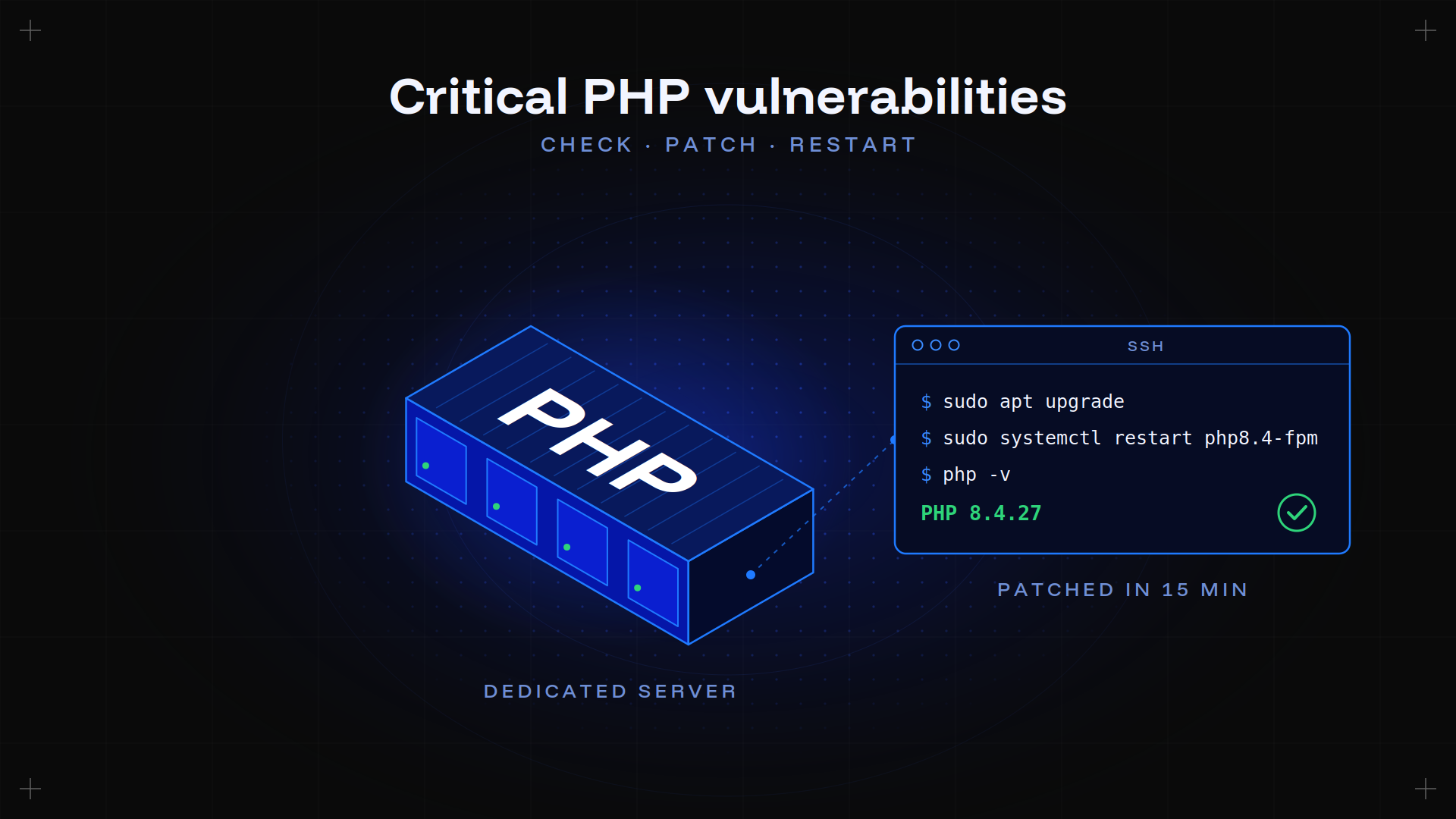
- Keep PHP patched with
apt upgrade; repositories deliver security releases quickly. The critical PHP flaws of October 2026 show why it matters. - Run one pool per site, each under its own user, so one compromised application cannot read the others.
- Close every port you do not serve. Our firewall configuration guide covers the rules.
Troubleshooting common issues
| Symptom | Cause | Fix |
|---|---|---|
| Browser downloads the .php file | PHP not wired to the web server | Check the fastcgipass socket path (Nginx) or run a2enconf php8.4-fpm (Apache) |
| 502 Bad Gateway | FPM not running, or wrong socket path | systemctl status php8.4-fpm, then compare the socket in /run/php/ with your config |
| Class not found | Missing extension | php -m to list loaded ones, then install the php8.4- package |
| Files over 2 MB rejected | Upload limits still at default | Raise uploadmaxfilesize and postmaxsize, reload FPM |
| Edits to php.ini ignored | Wrong file edited, or FPM not reloaded | Edit the fpm/php.ini, then systemctl reload php8.4-fpm |
| Server swaps under load | pm.maxchildren too high | Measure worker size and recalculate |
| 500 with a blank page | Errors hidden, as intended | Read the web server error log and the FPM log in /var/log/ |
More patterns are in our guide to common errors and fixes.
Conclusion
You now have a current PHP branch behind Apache or Nginx, a php-fpm pool sized to your memory, OPcache sized for real applications, and a way to keep a legacy site on its own version. The rest is the application: our guide to running a website and our ecommerce setup guide pick up from there.
FAQ
Which PHP version should I install in 2026?
PHP 8.4 or 8.5. Both have active support (8.4 until the end of 2026, 8.5 until the end of 2027) and security fixes for two more years. Check that your application supports the branch you choose.
Should I use mod_php or php-fpm?
php-fpm for anything beyond a single small site. It works with Nginx and Apache, lets each site run its own pool and user, and allows several PHP versions on one server. mod_php only works inside Apache and with one version.
How do I install a newer PHP than my distribution offers?
On Debian, add the Sury repository; on Ubuntu, the ondrej/php PPA; on AlmaLinux or Rocky Linux, the Remi repository. They provide versioned packages such as php8.4-fpm.
How many php-fpm workers do I need?
Divide the memory you can give PHP by the average size of a worker under real traffic. Measure the worker size with ps rather than guessing, and leave room for the database and the system.
How do I run a PHP server locally?
PHP includes a development server: php -S localhost:8000 from your project directory. It is single-threaded and for development only, never for anything public.
Deploy your stack on bare metal Kimsufi bare metal from $11.10/month. Root access, unmetered bandwidth, built-in DDoS protection.